
Apple has always been in the spotlight for introducing innovative and unique features for its users. Now, it has launched something entirely new and different — a unified design update called Liquid Glass, which is being rolled out across all major Apple platforms.
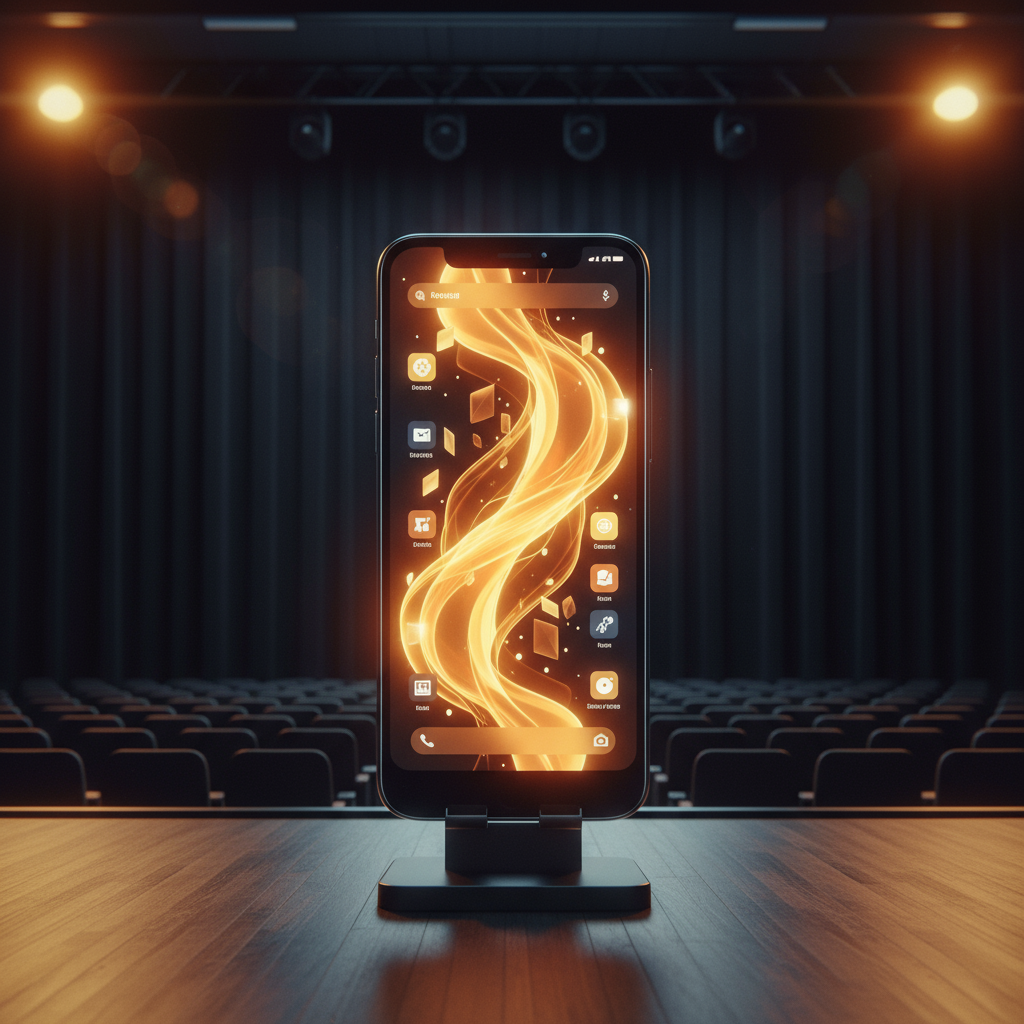
This update creates a consistent and expressive experience across devices, making it easier and more intuitive for users to switch between their iPhone, iPad, Mac, Apple Watch, and Apple TV. Apple describes Liquid Glass as a design that “bridges the gap between hardware and software,” delivering a more immersive and cohesive user experience.
What Is Liquid Glass?
The Liquid Glass design material is inspired by the optical properties of real glass — it reflects and refracts its surroundings, while keeping your on-screen content in sharp focus. This is the first time Apple has introduced a uniform visual design across all its platforms, including:
- iOS 26
- iPadOS 26
- macOS Tahoe 26
- watchOS 26
- tvOS 26
Apple calls it their “broadest software design update ever.” Liquid Glass merges the smooth, fluid motion of digital interactions with the clarity and realism of actual glass, offering a unique visual experience that’s both modern and tactile.
Where You’ll See Liquid Glass in Action
Liquid Glass extends from the smallest interactive elements — like buttons, sliders, switches, text inputs, and media controls — to larger interface components, such as tab bars and sidebars.
The effects are most noticeable in the Lock Screen, Home Screen, notifications, and Control Center, where the material shines by adding depth, clarity, and dynamic behaviour to your everyday interactions. This not only enhances usability but also brings more focus to content.
Deeper Integration with Apple Intelligence
With Liquid Glass, Shortcuts now integrate directly with Apple Intelligence, Apple’s on-device AI system, to power smarter, faster workflows. The foundation model that powers Apple Intelligence is also available to developers, opening the door for more advanced, seamless, and intelligent app experiences in the future.
Redesigned Navigation Elements
Key navigation elements such as tab bars, control bars, and sidebars have been redesigned to align with the new Liquid Glass style. The tab bar now dynamically shrinks, allowing more room to focus on content — a subtle yet powerful change that elevates the user experience across apps.
This update redefines how users interact with apps like:
- Camera
- Photos
- Safari
- FaceTime
- Apple Music
- Apple News
- Apple Podcasts
Apple encourages users to explore these updates hands-on, calling it a design experience that needs to be felt, not just seen.
Apple’s Liquid Glass update is more than just a visual refresh — it’s a bold step toward a more unified, immersive, and intelligent experience across all Apple devices. From dynamic system elements to deep Apple Intelligence integration, this update offers something truly unique that enhances both functionality and design.
Explore, interact, and play with the new design across your devices. But before you make the jump, make sure to back up all your important data to avoid any unexpected issues during the update.
Once you’re backed up and ready, you’re all set to enjoy a whole new Apple experience.